
TLDR
What are the best drag and drop shelf apps for Mac, and what does each cost? Dropover is the default pick: free, with a $7.99 Pro upgrade, cloud links and text extraction. Yoink ($8.99) is the long-running edge shelf. Dockside ($5.99) costs least. Dropzone 5 is actions first. Unclutter adds notes. cursorrobin keeps the shelf at your cursor and shrinks files on it.
What are the best drag and drop shelf apps for Mac, and what does each cost?
The best file shelf apps for Mac all do one job: hold files on their way somewhere. You drop files on it, switch apps, Spaces or displays, and drag them out where they belong. That saves tiling two Finder windows or parking things on the Desktop.
The six differ in two ways that matter more than price:
- Where the shelf shows up. At the pointer when you shake it (Dropover, Dockside's Drop Shelf), at the screen edge (Yoink, Dockside), under the menu bar (Dropzone 5), pulled down from the top of the screen (Unclutter), or already at the cursor before you drag (cursorrobin).
- What the shelf does to the files. Some only hold them. Others share them as links, run scripts on them, or shrink and convert them before they leave.
All prices below are US prices, read on 27 October 2026 from each vendor's site or its US App Store listing. App Store prices differ between countries.
The quick pick by job
| If you mostly… | Pick | Why |
|---|---|---|
| Share files as links, extract text, script actions | Dropover | Cloud uploads, OCR, Shortcuts, Raycast and Alfred |
| Want a quiet shelf at the screen edge | Yoink | Edge or cursor shelf, clipboard history, macOS 10.13+ |
| Upload to S3 or SFTP and run actions on drop | Dropzone 5 | A grid of actions, plus a Drop Bar shelf |
| Keep notes and clipboard history beside parked files | Unclutter | Three panes in one pull-down panel |
| Want the lowest price | Dockside | $5.99 once, for up to three Macs |
| Shrink, convert and resize files on the way | cursorrobin | A shelf already at the cursor with file fixes on it |
Dropover: the default pick
Dropover's website lists every way to open a shelf: shake the pointer, press a shortcut, drop on the menu bar icon or the MacBook notch, or let a watched folder open one when new files arrive. The shelf can upload to Dropover Cloud, iCloud Drive, AWS S3, Google Drive, OneDrive or Imgur and copy the link.
Its US App Store listing names built-in actions for "resizing and converting images, extracting text, creating ZIP archives", and the 5.0 release notes add "HEIC format conversion and compression". It needs macOS 13.0 or later.
The trial is generous. Dropover's FAQ describes a "fully functional 14-day trial", after which the app keeps working with a 3-second wait before you can use the shelf. Pro is "a one-time purchase, not a subscription", and Dropover is sold only through the Mac App Store.
John Gruber, who uses Dropover and recommends Yoink as its direct competitor, calls both apps "terrific". If you are unsure where to start, start here. The Dropover vs cursorrobin comparison goes through it feature by feature. If you already use it and want something else, the Dropover alternatives cover what changes when you switch.
Yoink: the edge shelf with the longest record
Eternal Storms' Yoink page lists the price as 9,99 € / $8.99 / £8.99 and a 28-day trial download. The shelf can appear as soon as a drag starts, only when the pointer nears the screen edge, or at the mouse cursor. Holding Option forces a copy and Command a move when you drag out, the same as Finder.
Yoink has no cloud upload and no image conversion on the page. It holds files and gets out of the way, which is what many people want.
It is one of the lightest downloads here: 13.5 MB on the US App Store, requiring macOS 10.13 or later. Yoink is also on Setapp, where its page shows 99% from 1,958 ratings.
Dropzone 5: actions first, shelf second
Aptonic's page describes the Drop Bar as "a place for temporarily holding files" and lists Resize Images and Compress Images among the built-in actions, alongside Download Videos, Shorten URLs and Run Shortcuts. There is a 14-day trial of the Pro features, and it needs macOS 13 or later.
The US App Store listing is a free download with three Pro purchases: Lifetime $34.99, Monthly $4.99 and Yearly $19.99. Dropzone 5 is also on Setapp, at 99% from 1,201 ratings.
Pick it if your files mostly go to servers. As a pure shelf it is more than you need.
Unclutter: files, notes and clipboard in one pull-down
Unclutter's site promises a "Lifetime license — one payment, no renewals", a 30-day money-back guarantee and native support for Apple Silicon and Intel Macs. It shows no price; the US App Store lists $19.99 and macOS 10.13 or later.
It does nothing to the files themselves: no resize, no convert. Its strength is keeping three kinds of scraps in one place. It is on Setapp too, at 98% from 651 ratings.
Dockside: the lowest price
Dockside's page says "Purchase once, use forever." It reduces file sizes through Clop and uploads through Dropshare, both separate apps from other developers, so the shrinking and sharing are integrations rather than built in. If you already own them, Dockside ties them together for very little money.
cursorrobin: a shelf at the cursor that fixes files
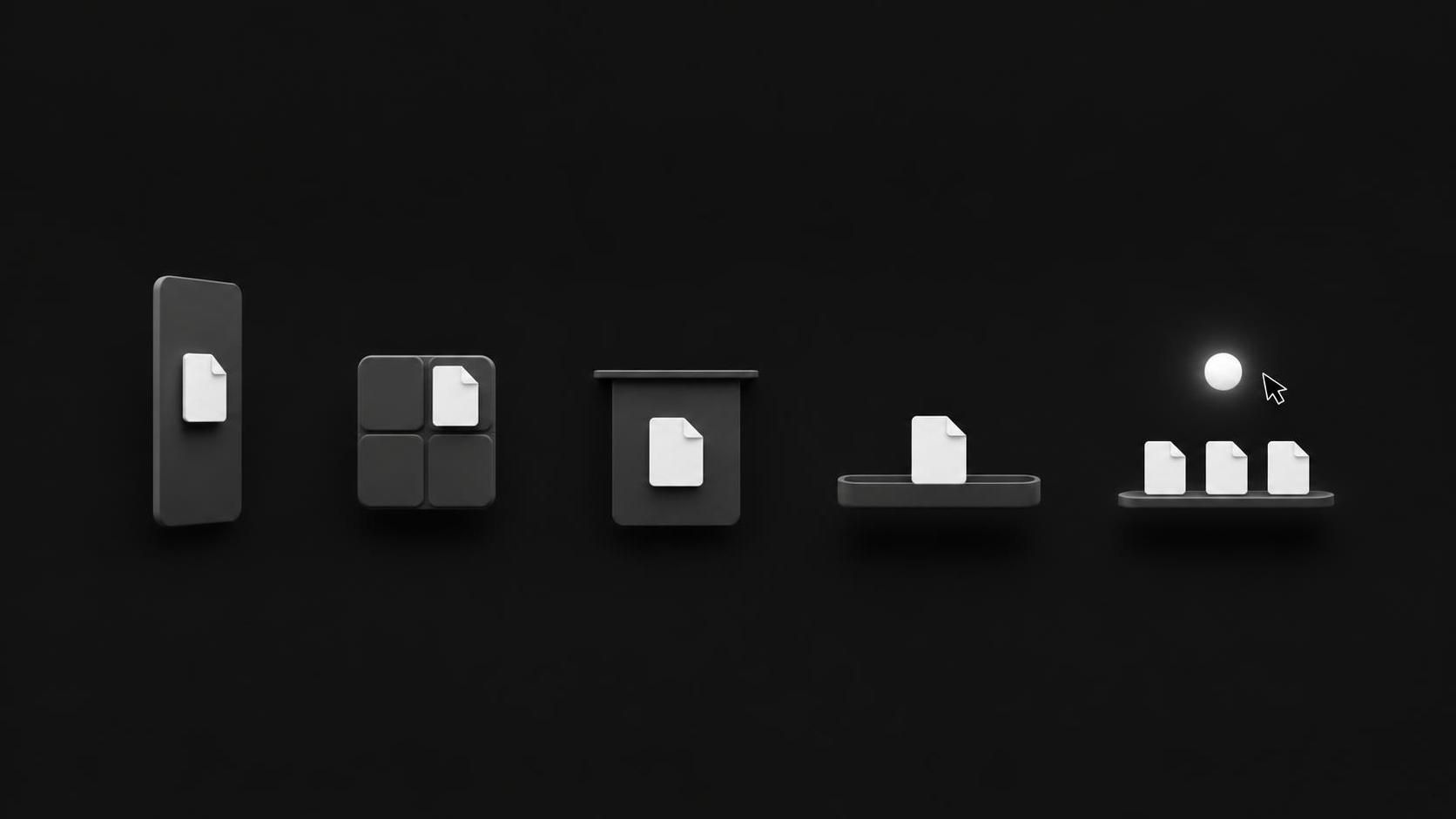
You switch the orb, Robin, on with Control-Command-D (remappable) or a quick shake. From then on he trails the pointer, and a file drag anywhere on the Mac opens the shelf where your hand already is. The file shelf at your cursor page explains when that beats a gesture or a screen edge.
The fixes work on copies. A file you drop stays in its folder and the shelf points at it; dragging it off moves it, and Option copies it, as in Finder. A shrink or convert makes a new file that rides out on the drag, so the original is never overwritten. Shrink shows an estimate of the result first.
Where it falls short, plainly:
- No sharing. No cloud uploads, no share links, no OCR, no scripts. Dropover does all four.
- Not the cheapest. Dockside, Dropover Pro and Yoink each cost less. You pay for the shelf at the cursor and the fixes on it.
- Apple Silicon only. The download is built for Apple Silicon Macs.
Price and licence side by side
| App | Price (US) | Model | Trial | On Setapp | Requires |
|---|---|---|---|---|---|
| Dockside | $5.99 | One-time, up to 3 Macs | 14 days | Not listed | macOS 13 |
| Dropover | Free, Pro $7.99 | One-time in-app purchase | 14 days | No | macOS 13.0 |
| Yoink | $8.99 | One-time | 28 days | Yes | macOS 10.13 |
| cursorrobin | $9.99 | One-time | 10 days | No | Apple Silicon |
| Unclutter | $19.99 | One-time | 10 days | Yes | macOS 10.13 |
| Dropzone 5 | $34.99 lifetime, $4.99/mo, $19.99/yr | One-time or subscription | 14 days | Yes | macOS 13 |
Setapp's pricing page lists the Mac plan at $14.99 a month plus tax, with a 7-day trial. A single month costs more than a Yoink licence, so Setapp only makes sense if you use several of its other apps.
What happens after the trial differs too. Dropover keeps working with its 3-second wait, so you can stay on the free tier. cursorrobin stops accepting new files until you enter a key, but files already on the shelf can still be dragged out.
Shelf apps that also convert or shrink images
| App | Resize | Convert format | Shrink images | PDF shrink or unlock |
|---|---|---|---|---|
| Dropover | Yes | Yes, including HEIC | Yes | Not listed |
| Dropzone 5 | Yes | Not listed | Yes | Not listed |
| cursorrobin | Yes | PNG and JPG in; PNG, JPG, HEIC or PDF out | Yes | Yes |
| Dockside | No | Through a drop zone script | Through Clop | Shrink through Clop |
| Yoink | No | No | No | No |
| Unclutter | No | No | No | No |
"Not listed" means the vendor's own pages do not mention it. If you only convert an image now and then, you may not need a shelf at all: Finder's Convert Image quick action picks a format and a size, as Apple's Mac User Guide describes for macOS 27. Every built-in route is in how to convert and shrink files on a Mac.
On an older or Intel Mac
None of the vendors publish memory or CPU figures, so "lightest" here means what can be checked: the oldest supported macOS and the download size. Dropover's App Store download is 39.1 MB and Dropzone 5's 56.8 MB. Unclutter's site says it runs natively on both Apple Silicon and Intel.
Frequently asked questions
FAQ
Frequently asked questions
All six can be bought once: Dockside ($5.99), Dropover Pro ($7.99), Yoink ($8.99), cursorrobin ($9.99), Unclutter ($19.99) and Dropzone 5 Pro ($34.99 lifetime). Dropzone 5 also offers monthly and yearly plans, and Yoink, Dropzone 5 and Unclutter are included in a Setapp membership from $14.99 a month.
Dropover resizes, converts and compresses images, including HEIC. Dropzone 5 resizes and compresses. cursorrobin shrinks JPG, PNG and PDF files, converts PNG and JPG to PNG, JPG, HEIC or PDF, and scales images. Dockside shrinks through the separate Clop app.
Dropover keeps working for free after its 14-day trial, with a 3-second wait before you can use the shelf. macOS itself has Stacks on the Desktop and Finder quick actions, which cover some of the same ground at no cost.
Dropover if you share links or use OCR and scripts. Yoink if you want a plain shelf at the screen edge on any macOS since 10.13. Dropzone 5 if your files go to S3, SFTP or Imgur through actions.
No. The download is built for Apple Silicon Macs. On an Intel Mac, look at Yoink or Unclutter, which both support macOS 10.13 and later.
A shelf at your cursor, bought once
Try the full app free for 10 days, then keep it for $9.99, once. No subscription, no account.
macOS · 10-day free trial · one-time purchase